
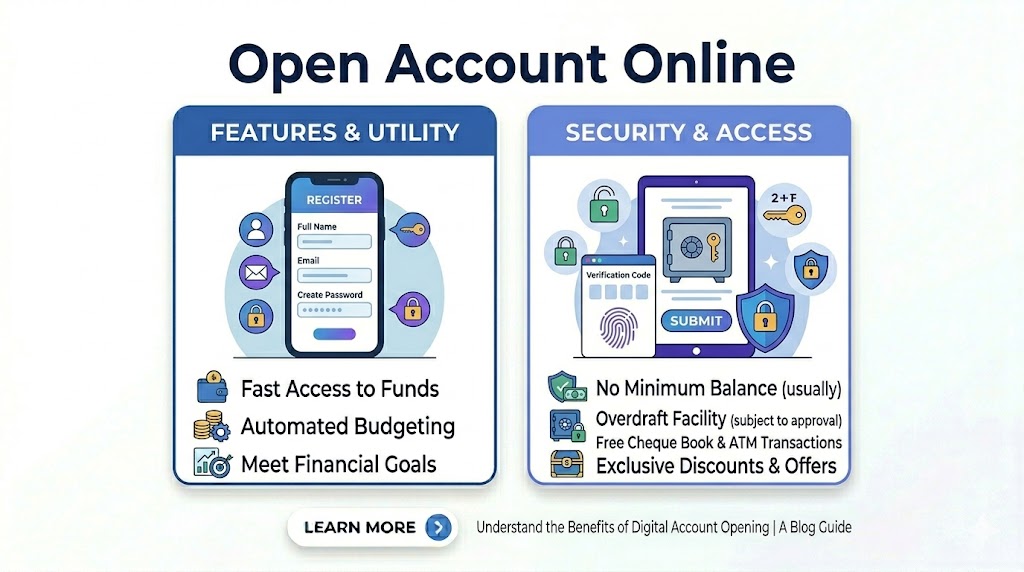
The ability to Open Bank Account Online India has evolved into a 100% paperless experience as of 2026. Gone are the days of standing in long queues at a physical branch. With the nationwide integration of the Reserve Bank of India’s Video Based Customer Identification Process (V-CIP), you can now establish a fully functional savings account from the comfort of your home in under 10 minutes.
Whether you are a student looking for your first zero-balance account or a professional seeking high interest rates, the digital onboarding journey is designed for speed. By leveraging your Aadhaar and PAN data, banks can instantly verify your identity, allowing you to Open Bank Account Online India and start transacting via UPI or Net Banking almost immediately.
Who is this for?
This digital facility is ideal for any Indian resident aged 18 or above who possesses a valid Aadhaar and PAN card. It is specifically built for tech-savvy users who prefer managing their finances via mobile apps and want instant access to services through open bank account online india platforms without geographical constraints.
Best ways to Open Bank Account Online India
The most efficient way to Open Bank Account Online India is to use the dedicated mobile apps of top-tier private banks or neobanks. These platforms are optimized for Video KYC and offer the smoothest interface for document uploads. For those seeking government-backed security, the “YONO” app by SBI or the digital portals of major public sector banks now offer highly competitive digital account opening journeys.
Open Bank Account Online India Comparison Table
| Bank Name | Account Type | Minimum Balance (MAB) | Top Benefit |
| HDFC Bank | DigiSave Youth | ₹2,500 – ₹5,000 | Lifestyle Vouchers |
| Kotak Mahindra | 811 Digital | Zero Balance | Instant Virtual Debit Card |
| IDFC FIRST | Savings Account | ₹10,000 | Monthly Interest Credits |
| AU Small Finance | Digital Savings | ₹2,000 – ₹5,000 | Up to 7.25% Interest |
| SBI | Insta Plus | Zero Balance | No Branch Visit Required |
Eligibility Criteria
- Residency: You must be a resident of India.
- Age: Minimum 18 years for independent digital accounts.
- Documentation: Must have a physical PAN card and an Aadhaar number linked to your current mobile number.
- Hardware: A smartphone with a working camera, microphone, and a stable internet connection for Video KYC.
Documents Required
- Aadhaar Card: For e-KYC authentication.
- PAN Card: Physical card required to be shown during the video call.
- Signature: A blank white paper and a blue/black pen for a live signature demo.
- Mobile Number: The one linked to your Aadhaar for OTP verification.
Step by Step Process to Apply
- Select a Bank: Choose a bank from the comparison table that fits your balance preference.
- Enter Basic Details: Provide your mobile number, email, and Aadhaar/PAN numbers on the bank’s portal.
- OTP Verification: Enter the OTP sent to your Aadhaar-linked mobile number to pull your address details.
- Fill Personal Info: Add details about your occupation, annual income, and nominee information.
- Video KYC: Connect with a bank official via a secure video call. Show your original PAN card and sign on camera.
- Instant Activation: Once the official approves the call, your account number and IFSC code are generated instantly.
Tips to Open Bank Account Online India faster
To ensure your application is processed in one go, try to perform the Video KYC during standard banking hours (10 AM to 6 PM) on business days. This ensures a bank executive is available immediately without you having to schedule a later slot.
Ensure Perfect Lighting for V-KYC
One of the most common reasons for a digital application to fail is poor lighting. When you Open Bank Account Online India, make sure you are in a well-lit room where your face and the details on your physical PAN card are clearly visible to the camera. This prevents delays caused by manual re-verification.
Common Mistakes to Avoid
- Using a Different Mobile Number: Using a number not linked to your Aadhaar will block the e-KYC process.
- Mismatched Data: Ensure your name and Date of Birth match exactly on both your PAN and Aadhaar cards.
- VPN Usage: Turn off any VPNs before starting the application, as banks track your geolocation to ensure you are within India.
Safety Guidelines
Always initiate the process to Open Bank Account Online India only through official websites (look for the “https” and padlock icon) or verified apps from the Play Store/App Store. The Reserve Bank of India (RBI) mandates that banks never ask for your passwords or PINs during a Video KYC call. If someone asks for these details, terminate the call immediately.
Internal Resources to Improve Your Loan Approval
- Review Loan Approval Time India to see how a digital account history helps.
- Check Savings Account Interest Rates India to maximize your returns.
- Learn about Pre-approved Personal Loan in India often offered to digital account holders.
Frequently Asked Questions
Is a digital bank account a full-service account?
Yes, once you complete the Video KYC, it becomes a regular savings account with no restrictions on transactions or balances.
How will I receive my Debit Card and Chequebook?
A welcome kit containing your physical debit card and chequebook is typically dispatched to your Aadhaar address within 7 to 10 working days.
Can I open an account online without a PAN card?
Most banks require a PAN for digital accounts. If you don’t have one, you may need to visit a branch to submit Form 60.
Are there any charges for opening an account online?
Most Indian banks offer the online opening process for free, though you may need to maintain a Minimum Average Balance (MAB) depending on the account type.
Conclusion
The transition to Open Bank Account Online India represents the pinnacle of modern financial convenience. By following this guide and keeping your documents ready, you can bypass traditional hurdles and gain full access to the Indian banking ecosystem in minutes. Always remember to monitor your account regularly through your mobile app and follow RBI safety protocols for a secure digital banking journey.